
Make time to catch up
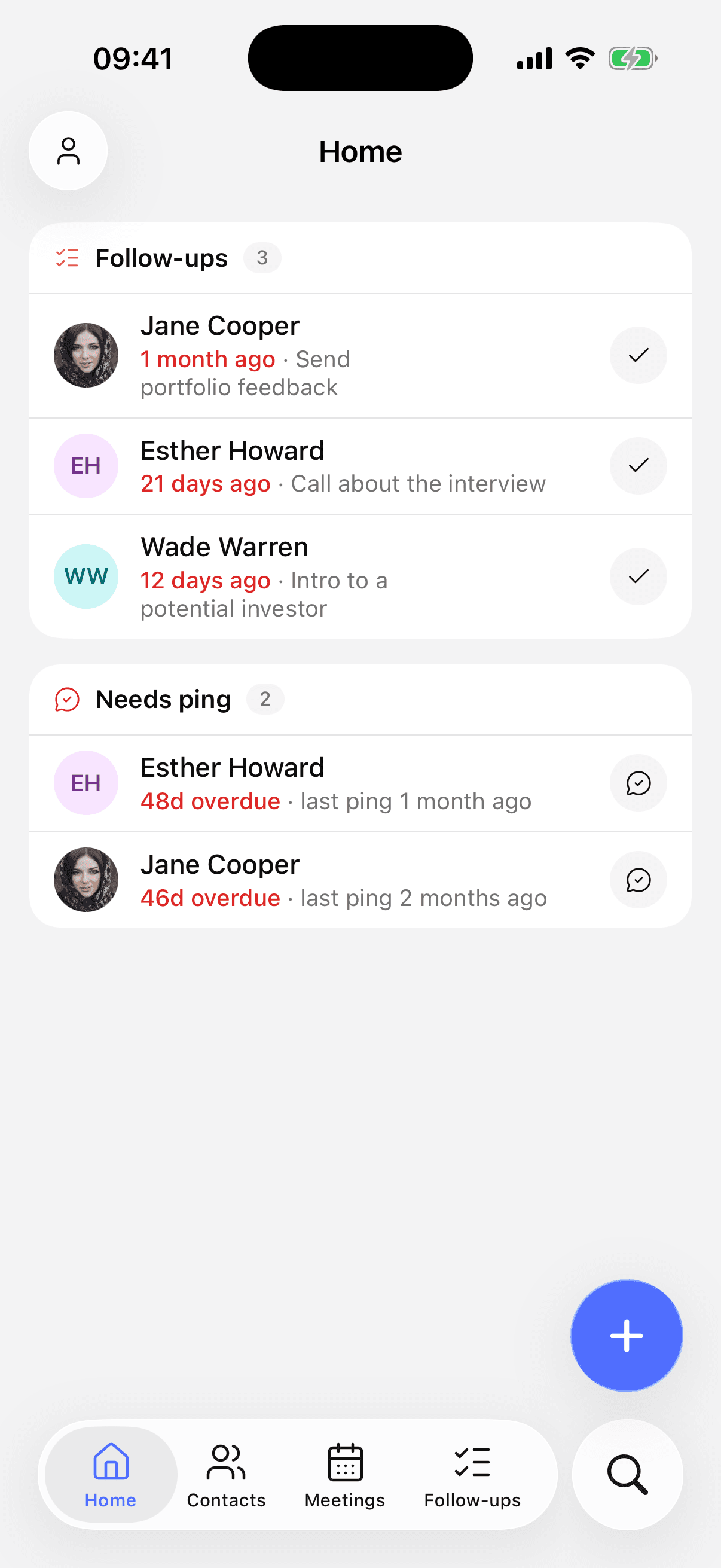
Choose how often to contact each person. Open Home to see who’s due, with their details ready when you need them.
Save a detail on the way home. Check in with a friend between meetings. Keep your people close, wherever the day takes you.
Free on iPhone. Available now on the App Store.
You meet someone interesting. Life moves on. Keep just enough context to make reaching out again feel natural.

Sarah Miller
Met at a friend’s dinner
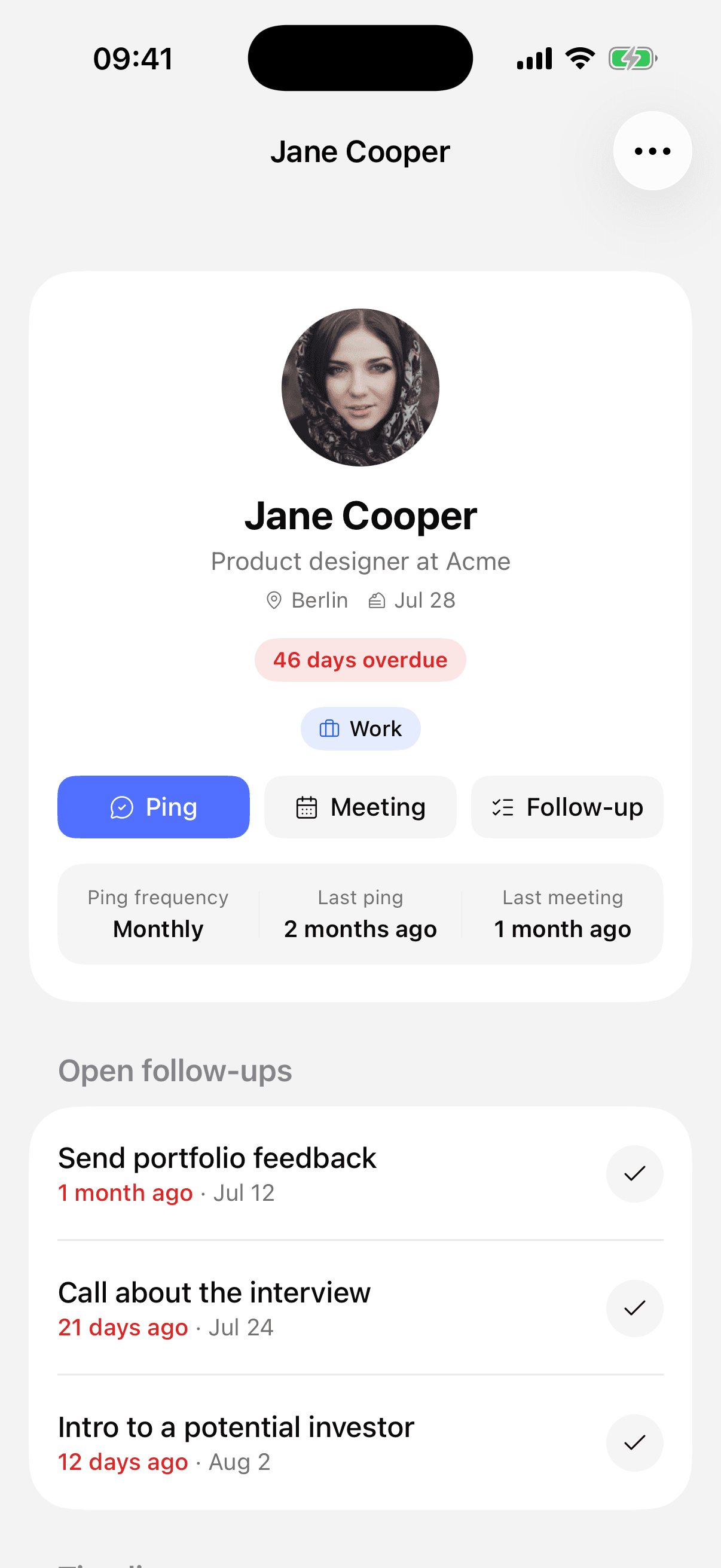
Save a contact on your phone with a line about where you met. Add a phone number or email when you have one.
Sarah · Designer · Met through Alex
Write a quick note on the way home. It’s waiting on their profile the next time you talk.
She’s opening a design studio next month.
Choose a contact interval, or set a reminder for a specific follow-up. Home brings it back when it’s time.
In a month · Ask how the studio launch went
Choose how often to contact each person. Open Home to see who’s due, with their details ready when you need them.
Save a note after a call or coffee. Find it again before your next conversation, on your phone or on the web.
Mark a reminder done straight from its notification. A birthday notification takes you to the person’s profile.
Use the same account on iPhone and the web. Your contacts, notes and reminders stay together when you switch devices.
Yes. Sign in with the same method you use on the web: Apple, Google or your email code. Your contacts, notes and reminders are there when you open the app.
Download PersonalCRM, add someone you want to stay in touch with and set your first contact interval.
Download on the App Store