Import your contacts
Bring your network from LinkedIn, Apple Contacts, Google Contacts, Outlook, Notion, or any spreadsheet. CSV, XLSX and vCard, with duplicate detection.
PersonalCRM imports CSV, XLSX and vCard (.vcf) files up to 1,000 contacts, with ready-made presets that recognize the big exports automatically. Open Contacts → Import and drop your file.
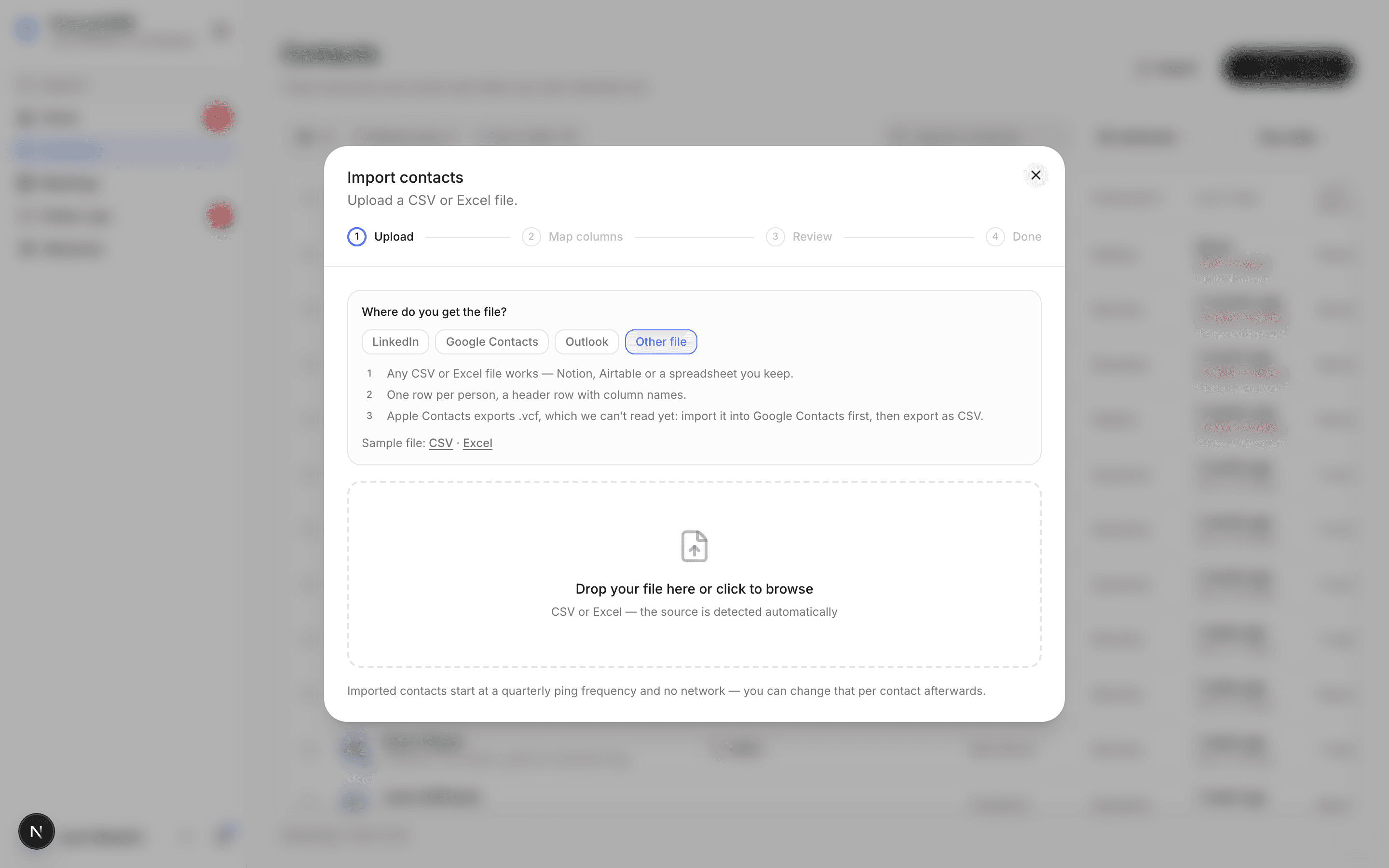
Where to get your export
LinkedIn connections
LinkedIn → Settings & Privacy → Data privacy → Get a copy of your data → pick the larger data archive (the first option). You'll get a download link by email, usually within a day. Unzip it and use Connections.csv; the other files aren't needed. The CSV has a junk preamble above the header row, which PersonalCRM detects and skips automatically.
Apple Contacts
iCloud Contacts → the menu at the top of the list → Select All Contacts → share menu → Export vCard. That's one .vcf with everyone in it, not one file per person. On a Mac you can also use the Contacts app: ⌘A, then File → Export → Export vCard. Drop the file straight in: names, emails, phones with their labels, addresses, birthdays and social links are read out of the card. Contact photos are skipped, and birthdays saved without a year can't be imported because we need a full date.
Google Contacts
contacts.google.com → the export icon above the contact list, next to the printer → Google CSV. Labels come along and can be mapped to Networks.
Outlook
Use Outlook in the browser; the Mac and Windows apps no longer export CSV. Outlook on the web → People → Manage contacts → Export contacts → all contacts as CSV. The preset maps names, emails, phones, and birthdays.
Notion database
Open your database → ⋯ → Export → CSV. Map your columns manually: your cadence column → Contact frequency, your circle/tag column → Networks. (Using our Notion template? The columns map 1:1.)
Any spreadsheet
Excel or Google Sheets: export/download as CSV or upload the XLSX directly. Any app that exports vCard works too, which covers most phones and address books.
The import flow
- Upload: the preset is detected automatically (you can override it).
- Map columns: every column in your file → a PersonalCRM field, or skip. Multiple emails/phones with labels are supported.
- Preview: see exactly what will be created before anything is created.
- Duplicates: rows matching existing contacts are flagged; you decide per row.
- Import: done. Contacts land with the Networks and frequencies you mapped.
After the import
Two habits make an imported network real:
- Set honest contact frequencies for the people you actually want to track. Imported contacts arrive as don't keep in touch, so nothing nags you on day one. You decide who's weekly and who's yearly.
- Prune fearlessly. Bulk-select and delete, or set people to don't keep in touch. A tracked list of 60 beats an ignored list of 600.