The iOS app
Truly native, built for iOS 26, with actionable notifications, Sign in with Apple, and the same account as the web.
PersonalCRM ships a native iOS app (iOS 26+, SwiftUI) that talks to the same API as the web app: one account, always in sync. Download it from the App Store or see the overview page for the tour; this page covers the practical details.
Signing in
Three ways, all passwordless: Sign in with Apple, Google, or the same one-time email code as the web. Use whichever you used on the web. It's the same account either way.
Actionable notifications
A due reminder can be ticked off without opening the app.
- Single reminder due → Mark done on the notification.
- Birthday reminder → tap it to open that person.
There is no one-tap button for logging a note, on purpose: what a note does to your cadence depends on its type, so the app would have to guess whether you called, met, or just read something. Marking a reminder done guesses nothing.
Marking done works offline too: it queues and syncs when you're back.
What's on the phone
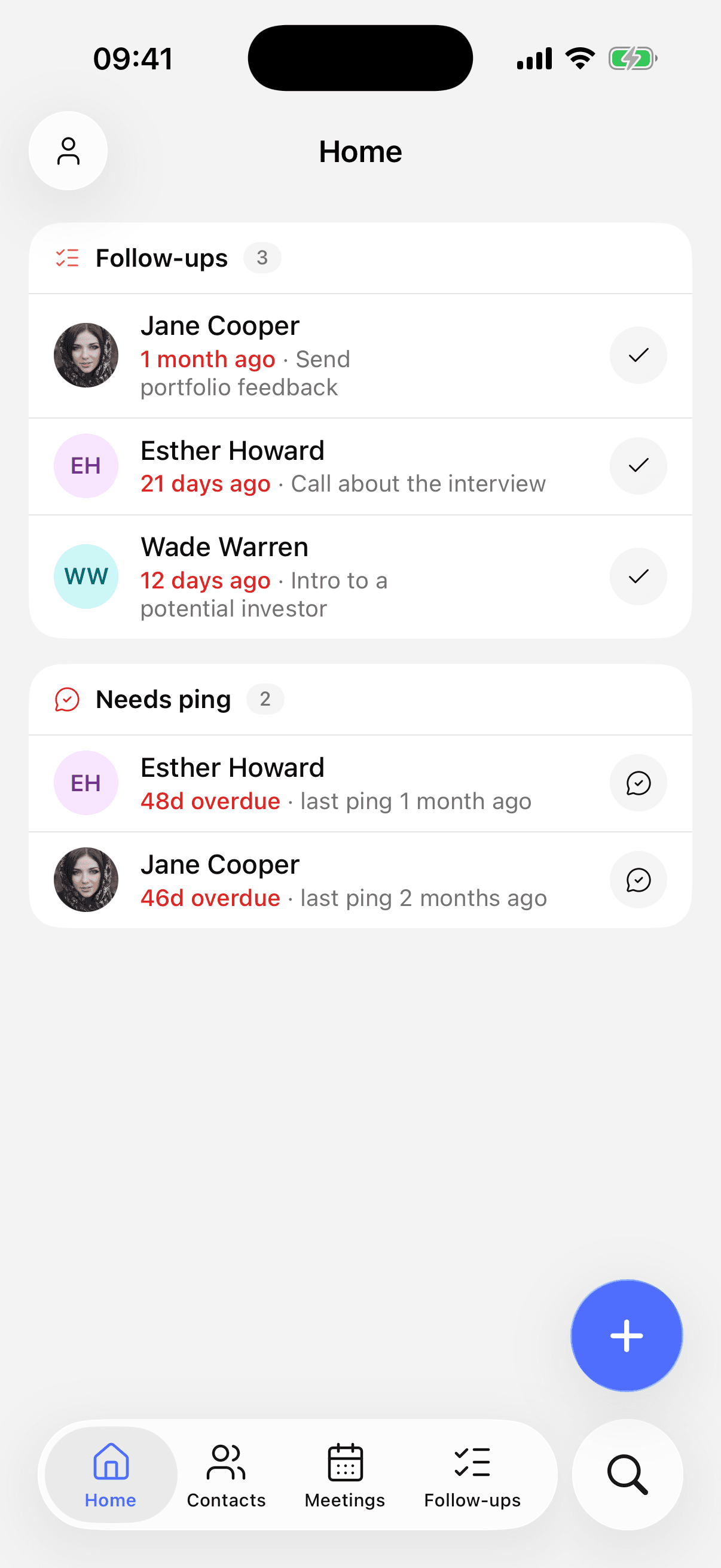
- Home: reminders, birthdays, out of touch, done today; swipe a row to log.
- Contacts: alphabetical with status dots, filters by network and status, swipe-to-ping, full detail view with tap-to-call and the shared timeline.
- Timeline & reminders: full create/edit, several people per note.
- Search: a dedicated keyboard-first tab across everything.
- Create: the purple + morphs into a panel with all five create actions.
Views render instantly from a local snapshot, then refresh, with no spinners on cold start.
Deliberately web-only
Some things stay on the web on purpose: CSV/XLSX/vCard import, bulk operations, and API-key / MCP management. They're desk work, and the phone stays simple because of it.
Notification settings
Configure reminder types and your preferred hour in Settings (web or iOS, it's the same setting). iOS asks for notification permission once, in context, not on first launch.