Pings & cadences
The core mechanic: what a Ping is, how frequencies work, and what "needs ping" means.
What a Ping is
A Ping records one fact: "I was in touch with this person just now." One tap, optionally a note, optionally backdated. It's deliberately the smallest possible unit of logging: if recording contact took thirty seconds, you'd stop doing it.
A Ping is not a reminder to reach out. It's the receipt for having reached out. The reminders come from the cadence.
Cadences (ping frequency)
Every contact has a ping frequency: weekly, biweekly, monthly, quarterly, yearly, or inactive for people you want to keep but not track. Think of it as the promise you're making to that relationship:
| Frequency | Typical people |
|---|---|
| Weekly / biweekly | Closest friends, family |
| Monthly | Good friends, key collaborators |
| Quarterly | Mentors, former colleagues you value |
| Yearly | Great people you met once and want to keep |
| Inactive | Stored, not tracked |
Two rules of thumb: be honest, not ambitious (a yearly promise you keep beats a monthly promise you break), and let cadences decay gracefully: moving someone from monthly to quarterly isn't a demotion, it's the truth.
What "needs ping" means
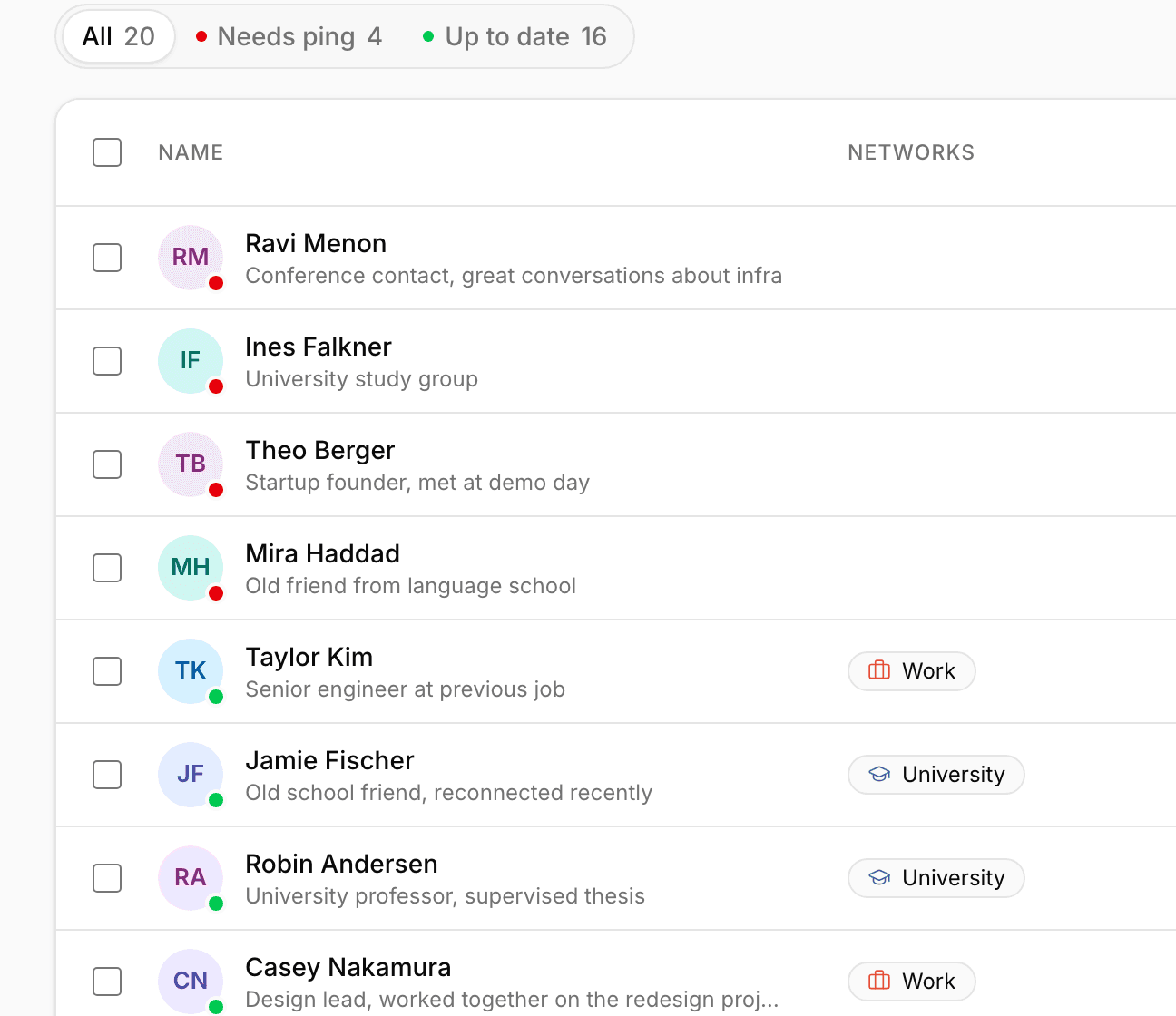
When the time since your last Ping exceeds the person's cadence, they're overdue: they show a red indicator, appear in Home under Needs ping, and are included (at most once a week) in the overdue reminder. Ping them and the timer resets.
Amber means due today; no marker means all good.
Meetings reset the timer too
Logging a Meeting automatically resets the Ping timer for every attendee. A meeting is always also a Ping. You never need to log both.
Editing history
Pings aren't precious: you can edit a Ping's note and date afterwards, or delete it entirely (the last-contact date recalculates automatically). The history is there to serve you, not to be curated.