Staying in touch
The core mechanic: what a note is, what its type does, how cadences work, and what "out of touch" means.
Everything is a note
One record covers everything that happens with a person: a call, a coffee, a dinner with four people, or something you read about them and want to remember. A note has a text, a date, the people it is about, and a type.
There used to be two records, a Ping and a Meeting, and you had to decide which box an event belonged in before you could write anything down. The type replaced that decision, and unlike the old split it does real work.
What a type does
Every type carries an emoji, a name, and the one thing that matters: what it counts as.
| Counts as | What it does | Starting types |
|---|---|---|
| We met in person | Resets both last met and last in touch | 📅 Meeting, ☕ Coffee, 🍽️ Meal, 🥂 Party |
| We were in touch | Resets last in touch | 📞 Call, 📱 Text, ✉️ Email |
| Just a note | Changes nothing | 📝 Note |
That last row is the point. Writing down that someone changed jobs is not the same as talking to them, and before this there was no way to record it without pretending you had. Note is the default for exactly that reason: the safe answer is the one that does not quietly reset a timer.
A note can also have no type at all, which counts the same as Just a note.
The eight types above are a starting point, not a fixed list. Rename them, swap the emoji, change what they count as, or add your own in Settings → Note types — or straight from the type menu while writing, under New type. Changing what an existing type counts as re-scores every note already carrying it.
Cadences (contact frequency)
Every contact has a contact frequency. Think of it as the promise you're making to that relationship:
| Frequency | Typical people |
|---|---|
| Weekly / biweekly | Closest friends, family |
| Monthly | Good friends, key collaborators |
| Quarterly | Mentors, former colleagues you value |
| Yearly | Great people you met once and want to keep |
| Uncategorized | You haven't decided yet. Imported contacts start here |
| Don't keep in touch | You decided not to. Stored, never nudged |
The last two both mean "no reminders", and they are separate on purpose: one is a decision, the other is a decision you haven't made. Filter for Uncategorized to work through the pile after an import.
Two rules of thumb: be honest, not ambitious (a yearly promise you keep beats a monthly promise you break), and let cadences decay gracefully: moving someone from monthly to quarterly isn't a demotion, it's the truth.
What "out of touch" means
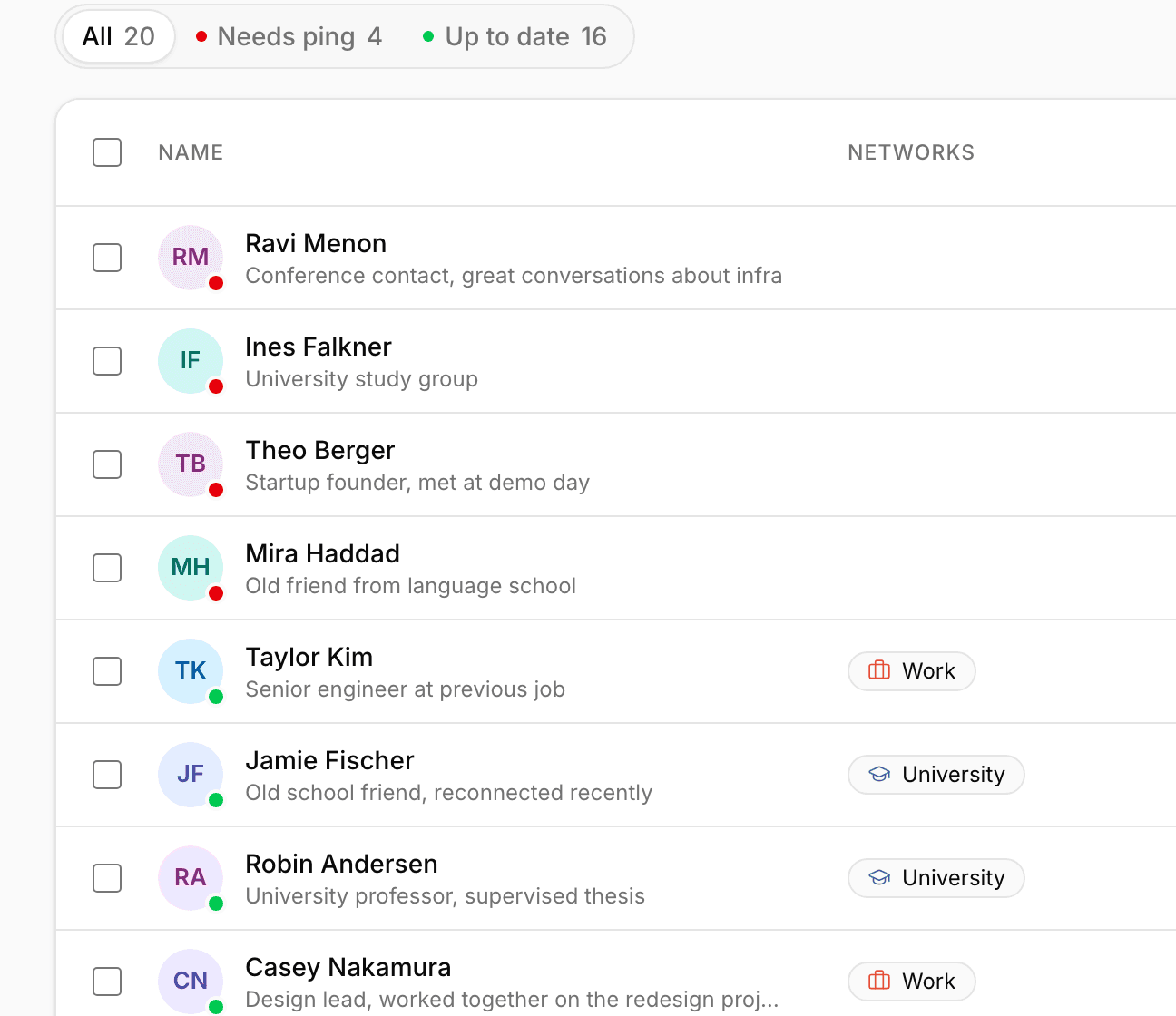
When the time since you were last in touch exceeds the person's cadence, they're overdue: they show a red indicator, appear in Home under Out of touch, and are included (at most once a week) in the overdue notification. Write a note with a type that counts, and the timer resets.
Amber means due today; no marker means all good.
One note, several people
A note names as many people as it concerns. A dinner with four is one record, and it appears on all four of their pages. Everyone on it gets the same cadence effect, so a Meal with four people resets last met for all four.
Editing history
Notes aren't precious: change the text, the date, the type or the people afterwards, or delete the note entirely. Every timestamp recalculates itself from what is left, so correcting a mistake never leaves a contact stuck in the wrong state.
Priority
Separate from cadence, every contact carries a priority: Top, High, Medium, Low, or none. A network says where you know someone from, a cadence says how often you talk, and neither says who matters. Your best friend and your least close friend sit in the same Friends network, and you might speak to a colleague weekly and a favourite person twice a year.
Priority changes nothing about reminders. It sorts and filters the contact list, and that is deliberate: two dials for one behaviour would mean neither is trusted.